How much data does video use? MB per minute, explained


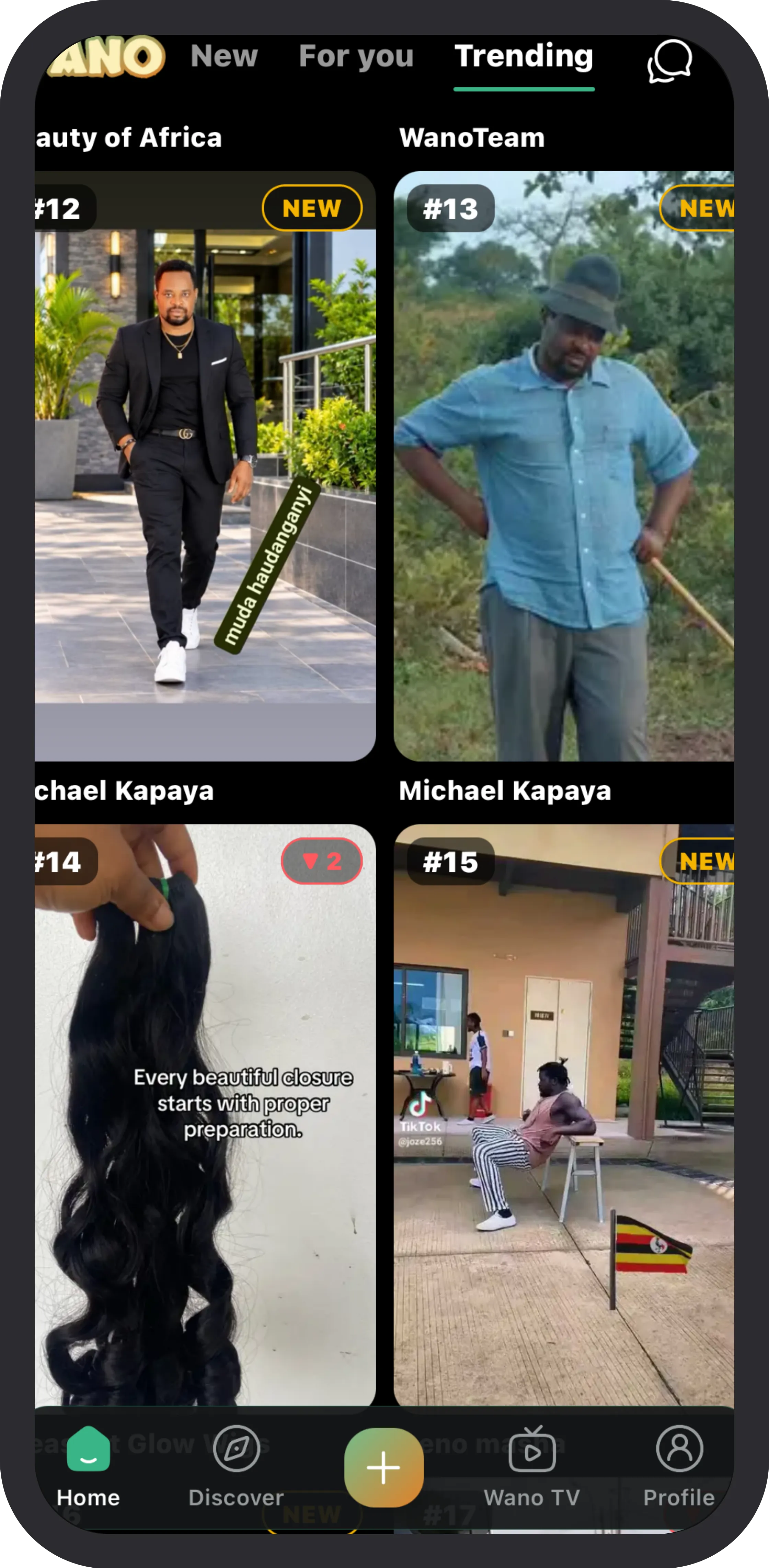
“How much data does a video use?” has a real answer, and once you know the trick you can work it out for any app.
The one rule
Video quality is measured in bitrate: megabits per second (Mbps). Data bundles are sold in megabytes (MB). There are 8 bits in a byte and 60 seconds in a minute, so:
MB per minute = Mbps × 7.5
A video playing at 1 Mbps uses about 7.5 MB a minute. At 3 Mbps, about 22 MB a minute. At 5 Mbps, about 37 MB a minute.
What quality levels usually mean
Apps change quality as your connection changes, so these are rough, but they show the scale:
- Low (around 360p): often under 1 Mbps, so a few MB a minute.
- Standard (480p): around 1.5 to 3 Mbps, roughly 11 to 22 MB a minute.
- HD (720p): around 3 to 5 Mbps, roughly 22 to 37 MB a minute.
- Full HD (1080p) and above: more again.
Netflix publishes its own limits: on its Low setting, up to 0.3 GB an hour; in standard definition, up to 1 GB an hour; in HD, up to 3 GB an hour. That is about 5, 17 and 50 MB a minute.
How long does 1 GB last?
1 GB is about 1,000 MB. So:
- At 7.5 MB a minute (low quality): a bit over 2 hours.
- At 22 MB a minute (standard): about 45 minutes.
- At 37 MB a minute (HD): under half an hour.
On a small phone screen, the difference between standard and HD is much smaller than the difference in data. Dropping one quality level can double how long your bundle lasts.
Why short videos can cost more than you think
- Preloading. Short-video apps download the next videos before you swipe, so they start instantly. If you swipe past, that data is already spent.
- Loops. A short clip that loops several times while you read the comments may be downloaded again each time.
- Everything around the video. Pictures, profile photos and page data add up, especially in feeds that send full-size images.
What you can do
- Turn on the data saver setting in each video app (we list them in How to save mobile data on Android and iPhone).
- Watch films and long videos on Wi-Fi when you can.
- Pick apps that are built for mobile bundles. On Wano, a profile picture is about 10 KB instead of up to 2 MB, and a feed page about 7 KB instead of 34 KB, so more of your data goes on the videos themselves.


